One model. Every module reads it.
What are the modules in Vextrus?
The modules in Vextrus are readings of one confirmed Live Model. The Priced BOQ, the Material Schedule, the 3D, Rebar, the Schedule (4D), Materials, Cost (5D) and every later module read the same Elements, so a figure in any of them opens the line on the drawing it came from. One database serves the building’s whole life, handover included.

Connecting the dots
01 The drawing.
The Developer’s 2D Drawing Set, as its consultants issue it. They keep drawing in 2D.
02 One confirmed Live Model.
The set is read once and confirmed by the QS; every Element keeps its Trace to its line. See the Live Model.
03 Every module reads it.
The Takeoff, the Priced BOQ, Rebar, Revision, collaboration, Materials, the Schedule (4D), Cost (5D), roles and views, handover. See how the steps run.
04 The whole life of the building.
At handover the Live Model goes with the Building. Once the building’s own data flows back into it, the Live Model becomes the building’s Digital Twin.
Every module, in the product’s order
Together they are Vextrus, the Drawing-to-Handover platform for real-estate Developers. Each module has its own page: what it is, what you do in it, what changes for the Developer, its steps, and who uses it. They run in the product’s order, from the MD’s Project Summary through the Takeoff and the Priced BOQ to handover. The AI sits beside the Takeoff, and the Trace beside the Live Model.
The MD’s page and the hub
Money, programme and risk on one page, and each Project's sheets, changes and people in one place.
Measure
The 2D drawings become one confirmed Live Model, every quantity traced to its line.
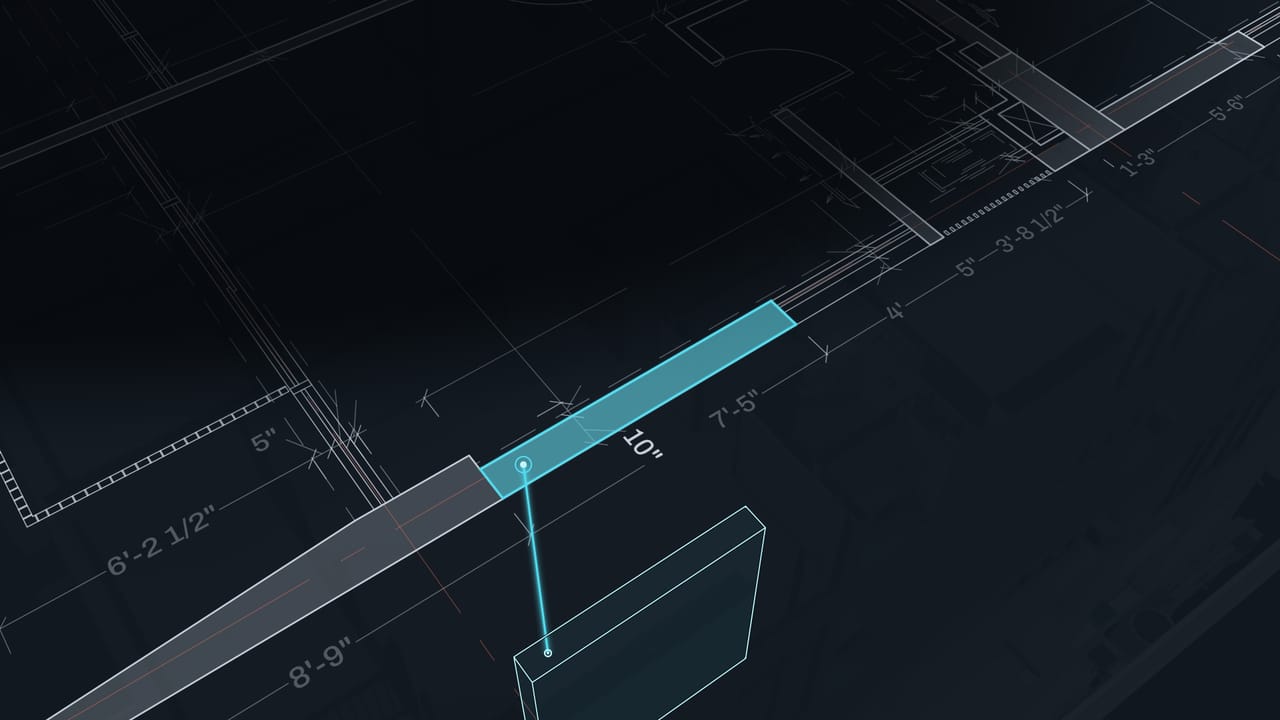
- TakeoffThe Takeoff in Vextrus is the quantity takeoff of a Developer’s 2D drawings: the QS’s work of turning the Drawing Set into the confirmed Live Model.
- The AIThe AI in Vextrus proposes and never measures.
- Live ModelThe Live Model in Vextrus is the building as one dataset of confirmed Elements, read from the Developer’s 2D drawings and confirmed by its QS.
- TraceThe Trace in Vextrus is the link from any figure back to where on which sheet it was read, or to the Question that supplied it.
- RebarRebar in Vextrus turns the structural drawing’s callouts into bars and a bar bending schedule (BBS), every bar checked against BNBC 2020, every figure with its Rebar Basis.
Price and build
The rates, the programme, the buying and the cost, all read from the same model, and each bill checked against what is built.
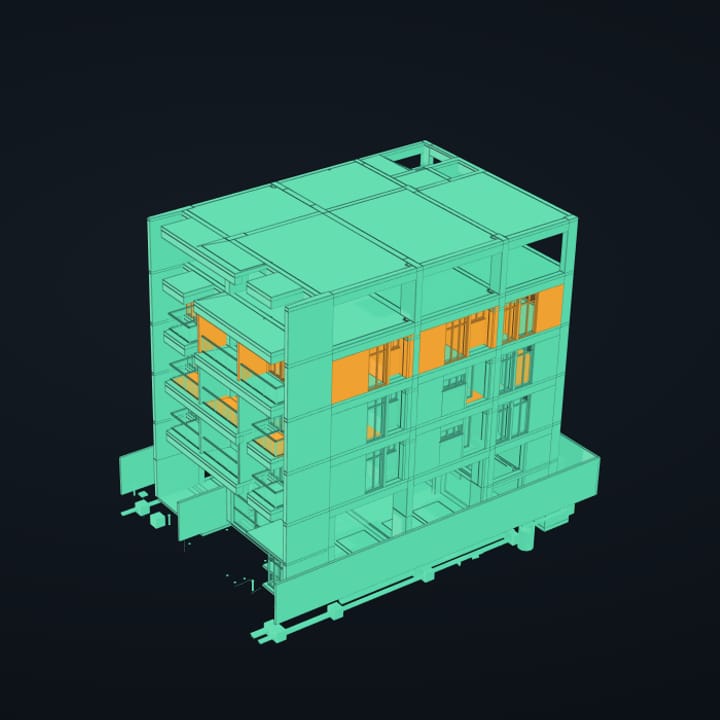
- Priced BOQThe Priced BOQ in Vextrus is the bill of quantities for a building, item by item by trade, with a rate and an amount in ৳ on every BOQ Item.
- Schedule (4D)Schedule (4D) in Vextrus puts dated Activities on the Elements of the Live Model, with pours as the spine, so the Building rises as the date moves.
- MaterialsMaterials in Vextrus is where Procurement buys each pour’s needs at the lowest landed cost, inside the MD’s Standing Authority.
- Cost (5D)Cost (5D) in Vextrus reads the Building’s money from the Live Model.
Across every module
Each new sheet laid over the old, each question asked on the Element it is about, and every role its own view.
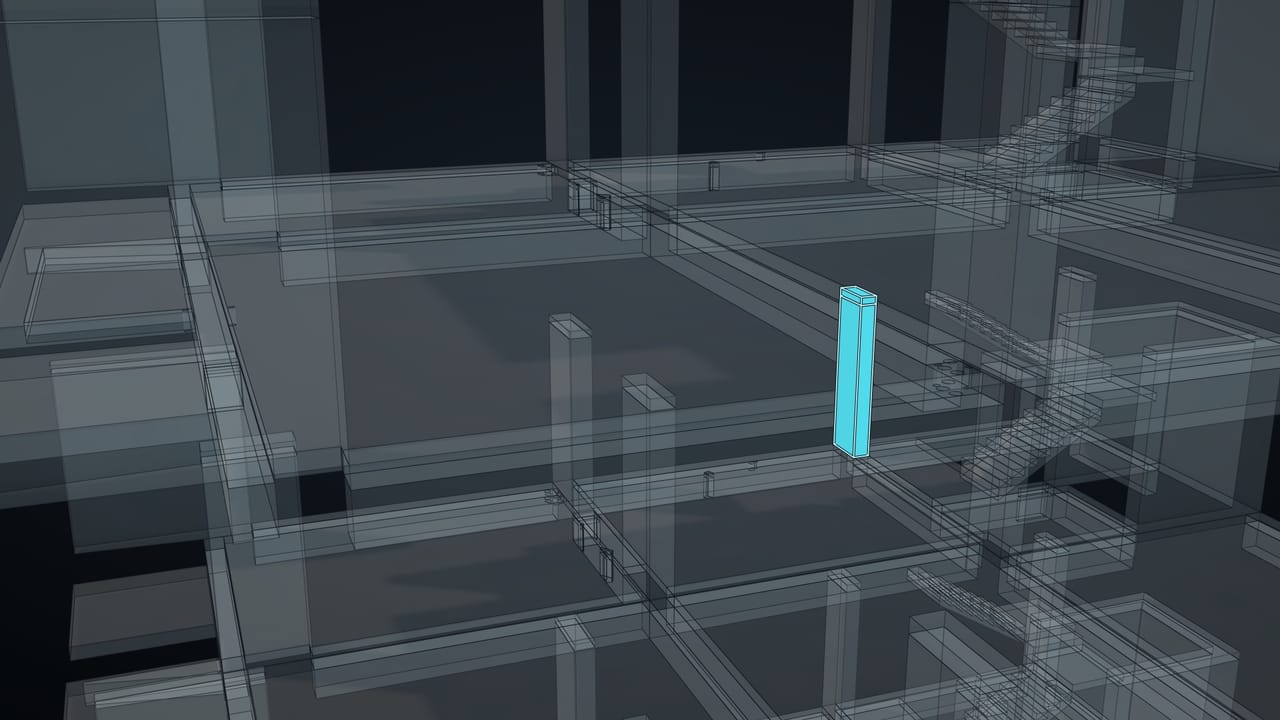
- RevisionA Revision is a re-issue of all or part of a Drawing Set by its consultant; in Dhaka practice the latest Revision is the instruction.
- CollaborationCollaboration in Vextrus runs on Threads, Resolutions, the Journal and Signatures.
- Roles and viewsRoles and views in Vextrus give every role its own view of the one Building.
Hand over
The record of what was designed and what was built goes with the keys, and once the building's own data flows back, the Live Model becomes its Digital Twin.
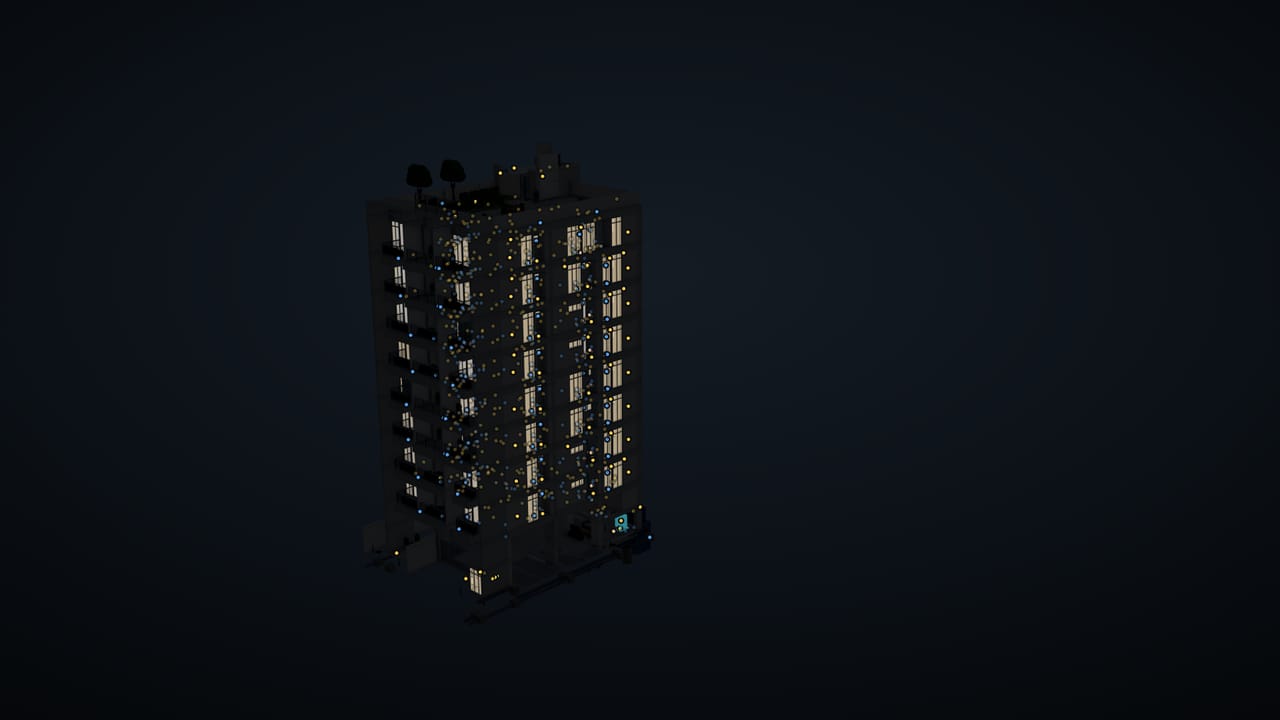
What runs across every module
Four things run across the modules rather than beside them. A Revision shows as pending on every module until it is resolved. Collaboration (Threads, Resolutions, the Journal and Signatures) keeps site and head office on the same Element. Roles and views give every role its own view of the one Building, and Guests never see money, in any view, drawer, tooltip or export. Handover sends the record with the keys.
Once the building’s own data flows back, the Live Model becomes its Digital Twin.
Send us a drawing set. See every number traced.
Drawn once. Every number traced.